
Ortho Lab Workflows: Step-by-Step Processes for Practices
.png)
Ortho Lab Workflows: A Step-by-Step Process
Orthodontic practice involves high-frequency, long-arc care: lots of repeat visits, lots of appliances, and lots of handoffs between the front desk, clinical team, and the lab, and your orthodontic practice management software only helps if it supports those handoffs.
This step-by-step process map shows where lab workflows typically break down, and how to standardize each handoff so cases stay on track and delivery appointments don’t turn into a scramble.
The common failure points:
- “Who submitted this?” and “What lab is it with?”
- Missing details on the Rx, so the lab calls back (or makes the wrong thing)
- Scans/photos living in an email, a desktop folder, or a scanner portal
- Your front desk can’t answer “Is it in yet?” without chasing someone
- The delivery appointment comes, and the appliance isn’t ready, creating chair-time chaos
What a “good” orthodontic lab workflow looks like:
- One standardized way to submit and track cases
- Case files are attached once and always findable
- Clear ownership for each handoff, from scan to Rx to production to delivery
See EasyRx Practice in action.
From Front Desk to Clinical, Lab, and Delivery
Step 1: Front Desk
Goal: Protect the delivery appointment and keep the day moving.
Your front desk needs:
- Target delivery date (aligned to the treatment plan and next visit)
- Expected turnaround time (by lab or in-house queue)
- Any “must arrive before” constraints (travel, school events, upcoming treatment milestone)
Front desk tasks:
- Schedule the delivery appointment after the realistic due date window
- Create a simple status-check routine (daily/weekly) so cases don’t surprise you
- Set patient expectations: “We’ll confirm arrival before your delivery visit.”
Where the workflow commonly breaks:
- Delivery appointments get scheduled without a confirmed due date
- Multi-location practices lose track of which office/lab has the case
Step 2: Clinical
Goal: No missing files, no guessing, no “Can you resend the scan?”
What clinical should capture:
- IO scan/STL (or impressions), plus photos and X-rays as needed
- Appliance-specific notes (material, design, special instructions)
- Ortho context: timing, staging needs, delivery urgency
Clinical tasks:
- Confirm scan belongs to the correct patient and is the correct arch(es)
- Attach all supporting files to the case before prescribing
- Decide pathway: commercial lab vs in-house lab vs clear aligner workflow
Where the workflow commonly breaks:
- Files live in different systems (scanner portal, shared drive, email), so the lab doesn’t get what it needs
Step 3: Prescriptions
Goal: Submit a complete Rx the first time, in a repeatable format.
Ortho examples covered by this step:
- Retainers (Essix/Hawley)
- Expanders
- Indirect bonding trays
- Habit appliances
- TMJ appliances
- Aligner cases (in-house or hybrid)
Best-practice tasks:
- Use templates for the top 5–10 most common items you prescribe
- Require the must-have fields so nothing important is skipped
- Tie communication and notes to the case, not to scattered messages
Where the workflow commonly breaks:
- “Looks right to me” submissions with missing specs affect lab follow-up, creating delays and rushed delivery visits
- Different assistants/providers submit differently leading to inconsistent outcomes across doctors/locations
Step 4: Lab Production
Goal: Know what’s in motion, what’s blocked, and what’s due next.
Option A: Commercial lab production workflow
What should happen:
- Case is checked in, questions are resolved early, production starts, shipment is tracked.
Practice tasks:
- Monitor status so you catch issues before the delivery appointment is at risk
- Ensure the lab has all files/specs (especially when multiple labs are involved)
Where the workflow commonly breaks:
- “We thought it was in production,” but it was waiting on a file or clarification
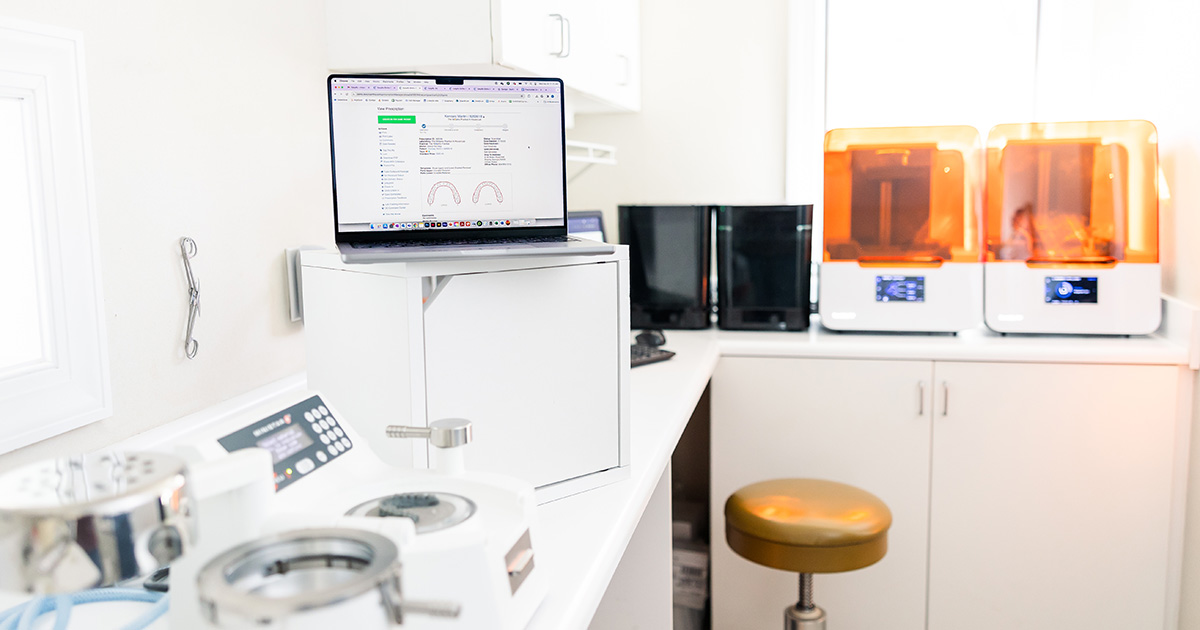
Option B: In-house lab workflow (appliances and 3D printing)
What should happen:
- Rx is received internally, models are prepared, printed/produced, and staged with the patient’s delivery plan
Practice tasks:
- Maintain an internal queue that doesn’t depend on sticky notes or someone’s memory
Where the workflow commonly breaks:
- No clear queue or priority rules lead to prints happen late and the delivery appointment slips
Step 5: Receiving and Staging
Goal: No surprises at delivery time.
Receiving checklist:
- Verify patient name, arch, appliance type, fit/QC basics, and included components
- Mark as received/ready-to-deliver and stage for the scheduled appointment
Delivery checklist:
- Deliver appliance/aligners, document delivery, schedule next visit
- If there’s an issue: trigger a revision/remake immediately with correct files/notes
Where the workflow commonly breaks
- Appliance arrives, but no one updates the status so the patient shows up, and it’s not staged
- The delivery appointment becomes a scramble, delaying other patients
Special Track: Clear Aligners Workflow
Goal: Stop losing track of what to print, what’s delivered, and what comes next.
Common pain points:
- Setup includes 20+ stages, but you only want to print/deliver a smaller batch
- Without a tracking system you have resin waste, missed print windows, and late deliveries
Step-by-step aligner workflow:
- Create aligner case > confirm total stages > create first batch plan (e.g., 5 upper/5 lower)
- Print > mark printed > deliver > mark delivered
- Systemized reminders: When to print next batch, when to contact patient
- Repeat until the final stage, then close out the case
Operational rules to define:
- Default wear schedule (7/10/14 days)
- Batch size policy (how many stages you print at a time)
- Reminder timing (print next batch, contact patient before they run out)
Roles and Handoffs: Who Owns Each Step?
- Front desk owns: Scheduling delivery windows, tracking arrivals, answering status questions confidently
- Clinical team owns: Complete records + files, correct prescription details, clear notes, documentation at delivery
- Lab (commercial or in-house) owns: Check-in, production milestones, shipment/return updates, flags when information is missing
- Practice manager/lead owns: Template standardization, training, accountability, and process consistency across locations
Where EasyRx Fits in This Process
EasyRx fits into your orthodontic practice’s process as the workflow layer that keeps prescriptions, files, and case status organized from submission to delivery. It helps your team reduce back-and-forth, standardize how cases are sent, and maintain clear visibility so fewer items slip through the cracks.
EasyRx supports ortho practices:
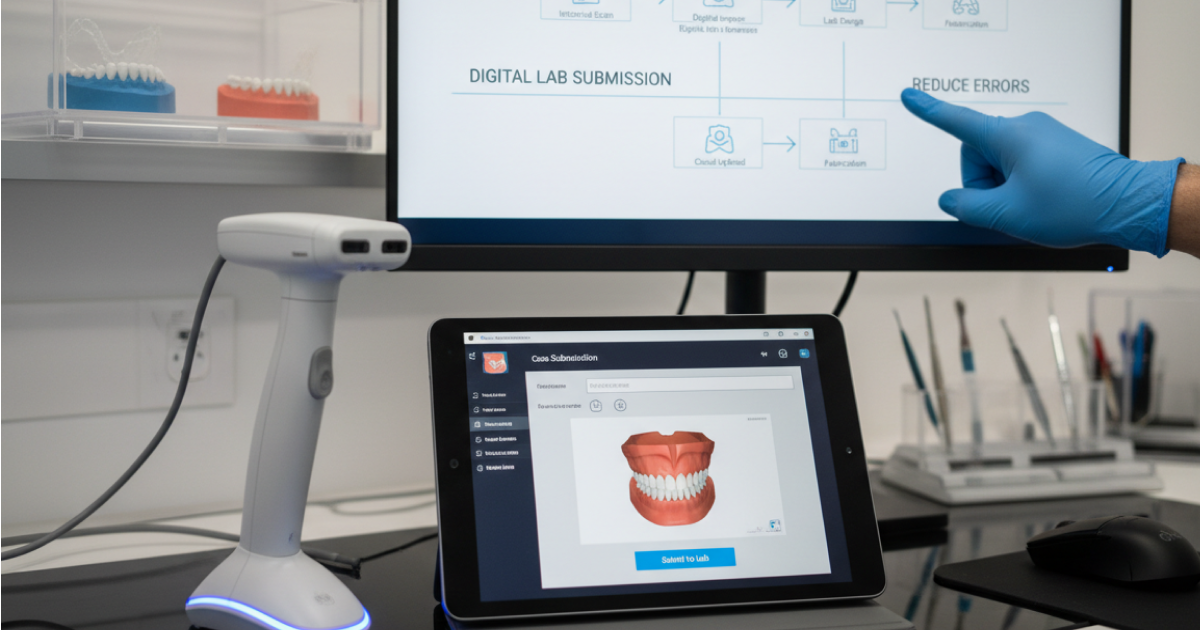
- At submission: Standardized digital prescriptions + templates + required fields to reduce missing details
- During production: Centralized status tracking and case communication to prevent surprises
- For files: Keep scans/photos/files attached to the case instead of spread across systems
- For aligners: Aligner tracking to manage batches, printing, delivery, and reminders
- Across locations: Consistency so every provider and office follows the same steps (especially important when multiple labs are involved)
Ready to remove the chaos from lab workflows?
See how EasyRx Practice standardizes prescriptions, centralizes files, and gives your team real-time case status from submission to delivery. Schedule a practice demo.

.png)

.svg)
.svg)

.svg)
.svg)