Ortho Scanner to Lab: Best Practices to Prevent Errors in Digital Case Intake
Destiny Potts
April 1, 2026
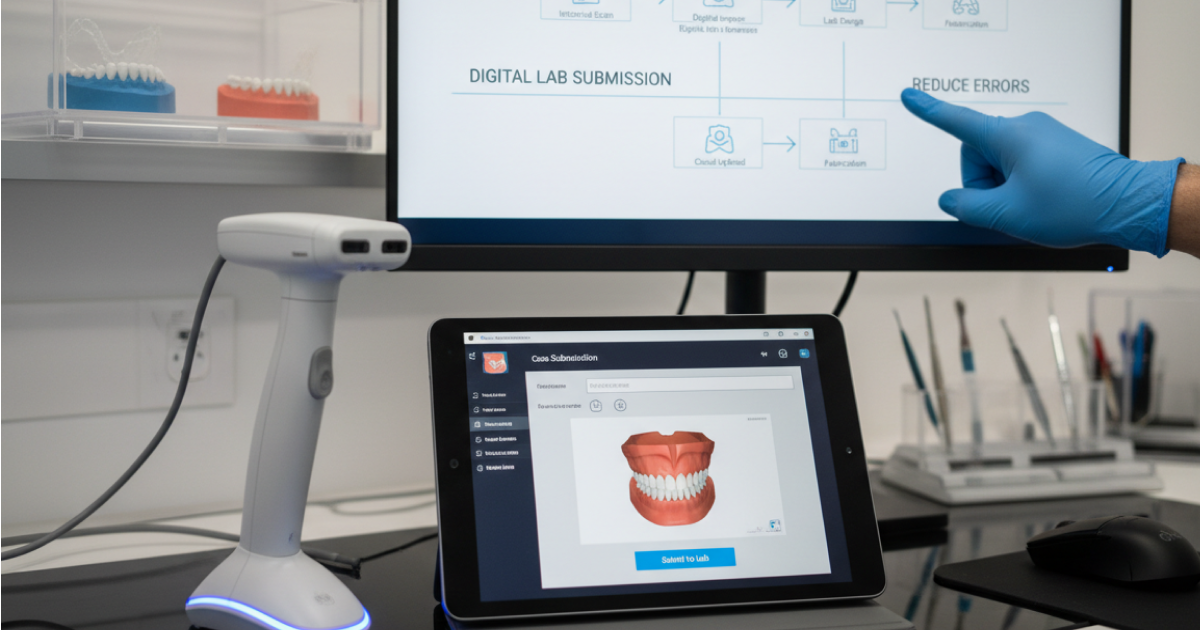
If your practice already uses an orthodontic intraoral scanner, you should be getting speed, clarity, and fewer handoff mistakes. You should not have more follow-up work.
The case stalls because a prescription field is incomplete
The appliance selection is wrong, and attachments are missing
The lab has to stop and ask basic questions before production can begin
These kinds of delays are expensive. They slow turnaround, add avoidable work for staff, and increase the risk of remakes. Your digital workflow then feels less efficient than it should. In other words, the problem often is not the scan itself. The issue is everything that happens between the scan and the lab.
The good news is most of these issues are preventable. When practices tighten up digital case intake, they usually gain three things quickly: fewer submission errors, less back-and-forth with the lab, and a more predictable path from scan capture to case delivery.
This article walks through where digital case intake breaks down, what a better intraoral scan workflow looks like, and how to build a scanner-to-lab workflow that saves time instead of creating more cleanup work.
Why Digital Case Intake Errors Create Delays for Orthodontic Practices
Digital workflows are supposed to make orthodontic case submission easier. Often, when they do not, the cause is not technology failure. It’s a workflow failure.
That matters because digital case intake errors create problems you can feel immediately:
Staff spend extra time fixing avoidable mistakes
Cases sit waiting for clarification
Turnaround becomes less predictable
Providers lose visibility into what was actually submitted
Labs receive incomplete information and have to pause production
Patients may wait longer for the next step in treatment
For a busy practice, those problems compound fast. One incomplete case may only cost a few minutes. Ten incomplete cases a week can turn into hours of wasted staff time, more interruptions during the day, and a workflow that constantly feels reactive.
That is why digital case intake deserves attention as an operational issue. It is not just an administrative task. Improving it helps practices move cases forward faster, reduce avoidable friction, and get more value from the digital tools they already use.
The Most Common Errors Between Ortho Scanner Capture and Lab Submission
Most practices do not struggle to capture a scan. They struggle because the handoff after the scan is inconsistent.
The most common errors include:
Incomplete scans
Missing prescription details
Incorrect appliance selections
Inconsistent patient or case naming
Missing notes or attachments
These are not small technicalities. They are the exact issues that force the lab to stop, ask questions, or delay work until someone on your team fills in the gaps.
For the practice, that usually means:
More email or phone follow-up
More time spent checking what was or was not sent
More opportunities for miscommunication
Less confidence that the case is actually moving
What Digital Case Intake Includes in an Orthodontic Workflow
One reason errors persist is that some teams think digital case intake means “send the scan.”
In reality, digital case intake includes everything the lab needs to begin work without chasing your team for more information.
That includes the scan file, patient and case details, prescription information, appliance selection, notes, attachments, and any lab-specific instructions.
Best Practices to Prevent Errors in Your Intraoral Scan Workflow
The most effective way to reduce errors in your intraoral scan workflow is simple. Make the process easier to do correctly every time.
That means fewer judgment calls, fewer skipped steps, and fewer opportunities for incomplete submission. The goal is not to make the workflow more complicated. The goal is to make it more reliable.
Here are the highest-value practices for reducing errors in digital case intake.
1
Review scans before they become someone else’s problem
A scan should be reviewed before it moves downstream. That sounds obvious, but in busy practices, it is easy to assume the case is ready just because the scan has been taken.
A consistent review step helps your team catch issues while the patient context is still fresh and before the case creates delays for someone else. It is much easier to correct a problem at the point of capture than after the lab has already flagged it.
2
Standardize what “ready to submit” actually means
Many practices have an informal idea of what a complete case looks like. That is not enough. Your team needs a shared definition of submission-ready.
A case should not move forward until the required prescription details are complete, appliance selection is confirmed, naming is correct, and supporting notes or attachments are included.
3
Use consistent naming conventions to avoid avoidable confusion
Inconsistent naming may seem minor, but it creates real workflow drag. If patient and case information is labeled differently across systems, teams waste time checking, matching, and confirming what belongs where.
A consistent naming structure improves traceability and makes cases easier to identify quickly. That matters even more for multi-provider practices or multi-location groups, where inconsistency scales into bigger confusion.
4
Make complete instructions the rule, not the exception
If the lab has to interpret your intent, the process is already weaker than it should be.
Every digital lab submission should include enough detail for the lab to proceed confidently. Missing notes, ambiguous directions, or incomplete attachments increase clarification requests and slow the orthodontic lab workflow.
5
Assign ownership so key steps do not get skipped
One of the fastest ways to improve digital case intake is to define who owns final submission review.
When everyone is vaguely responsible, no one is clearly responsible. That is when small errors slip through. Assigning ownership makes the workflow more accountable and more repeatable.
How to Build a Reliable Scanner-to-Lab Workflow
A reliable scanner-to-lab workflow should make it easy for your team to save the right scan and attach the right case details. The team should also send everything to the lab without extra cleanup later. The best workflows are not just fast. They are repeatable, trackable, and hard to mess up.
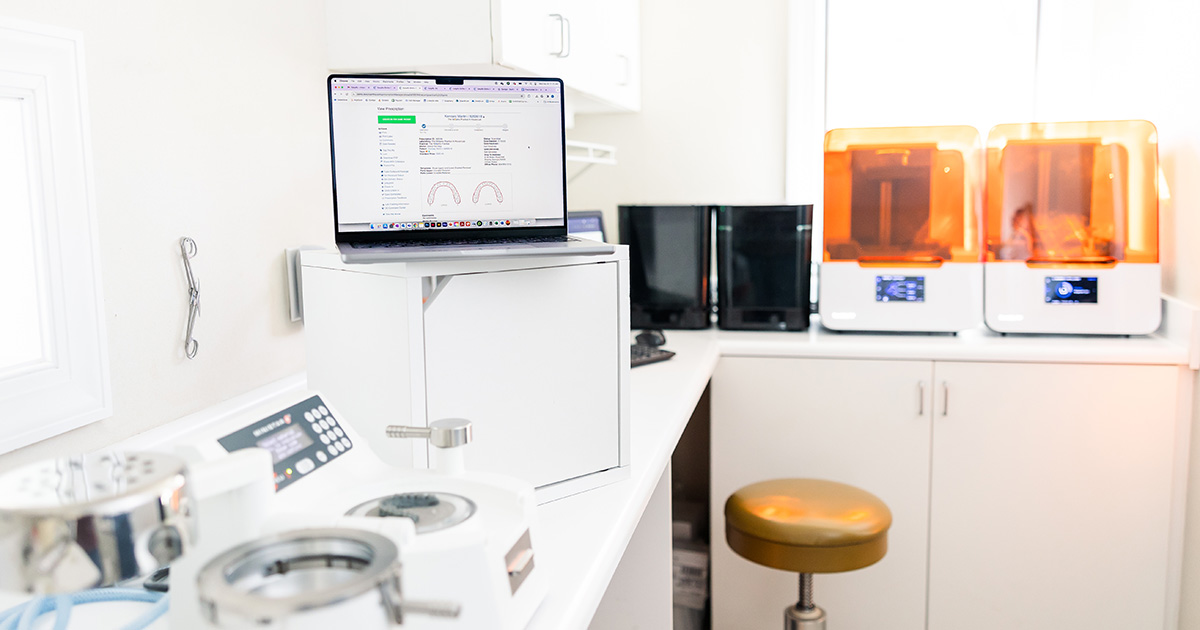
Orthodontic lab management software helps by reducing manual entry, standardizing digital prescriptions, improving lab connectivity, and providing the team with greater visibility into submission status.
Here are six practical steps orthodontic practices can take to ensure intraoral scans are saved and sent correctly.
Confirm the scan is complete before the patient leaves. Before the patient gets out of the chair, review the scan for missing anatomy, distortions, voids, or areas that may create problems for the lab later.
Savethe scan to the correct patient and case immediately. A cleaner workflow uses a standard naming structure and connects the scan to the case right away, rather than leaving the matching step for later.
Complete the digital prescription before moving to submission. Before anything goes to the lab, the team should complete the prescription details, confirm appliance selection, add notes, and include any attachments the lab needs.
Reduce manual re-entry between the scanner and the lab. In practical terms, that means the team should avoid workflows in which someone scans in one place, re-enters data elsewhere, and then manually uploads or relabels files later.
Usea final pre-submit check before sending to the lab. Before the case is sent, one person should do a quick final review.
This is the last checkpoint to confirm:
The correct scan is attached.
The right patient and case are selected.
The prescription is complete.
The appliance selection is correct.
Notes and attachments are included.
Nothing is missing that would trigger a lab clarification.
This kind of internal check is exactly what the brief points toward when it recommends building simple checks before cases are sent. It does not need to be complicated. A 30-second review can prevent multiple rounds of follow-up later.
6. Track the case after submission so nothing disappears into limbo.
A reliable workflow does not end when the case is sent. The team should be able to see whether the submission went through, whether the lab has what it needs, and where the case stands next.
What to Look for in Software That Supports Orthodontic Digital Case Intake
The right software should help your team submit cleaner cases with less effort.
That is the lens practices should use when evaluating tools. Not “Does it have a long feature list?” but “Will this actually reduce mistakes, simplify handoff, and save my team time?”
Software that supports orthodontic digital case intake well should make it easier to:
A system that is hard to navigate often recreates the same problems it claims to solve.
If staff members skip fields, create side processes, or avoid using the platform fully, the workflow becomes fragmented again.
Measure These Metrics for Orthodontic Lab Workflow Efficiency
If you improve digital case intake, you should be able to see the difference in measurable ways.
That matters because readers do not just want a better-sounding process. They want proof that the workflow is saving time, reducing mistakes, and improving output.
A few metrics can give practices that visibility.
Key Metrics to Measure in Your Orthodontic Lab Workflow
Use these workflow metrics to spot friction earlier, reduce avoidable rework, and make digital case intake easier to manage over time.
Metric
What it measures
Why it matters
What good looks like
Submission error rate
How often cases need correction after submission because something was missing, inconsistent, or wrong.
A lower submission error rate means your team is sending cleaner cases the first time. That directly reduces rework, back-and-forth, and avoidable delays before production can begin.
Aim first: below 5%, then keep tightening from there.
Lab clarification rate
How often the lab has to come back with questions before work can start.
This is one of the clearest signs that your scanner-to-lab workflow is either working or creating friction. A declining clarification rate usually means your digital case intake is more complete and easier for the lab to act on.
Best trend: steady month-over-month decline.
Turnaround time
How long it takes from submission to completed delivery. When possible, separate intake delay from production time.
This helps you identify a critical truth: sometimes the lab is not the bottleneck. The intake process is. That distinction shows where workflow improvement will actually pay off.
Track both: submission-to-acceptance and acceptance-to-delivery.
Remake frequency
How often cases need to be remade due to issues tied to scan quality, instructions, appliance selection, or submission accuracy.
Remakes cost time, money, and trust. Even when the root cause is not always intake, a pattern can reveal quality issues that are affecting real case outcomes.
Watch for: repeated patterns by case type, provider, or lab.
Staff time per case
How much staff time is spent preparing, checking, submitting, and following up on each routine digital case.
This is often where hidden waste shows up. If routine submissions are absorbing too much staff time, the workflow likely includes unnecessary manual work, duplicate steps, or preventable follow-up.
Key goal: reduce minutes per case without sacrificing accuracy.
How EasyRx Helps Orthodontic Practices Reduce Errors in Digital Case Intake
The biggest benefit of workflow software is not just digitizing the process. It is making the process easier to complete accurately and consistently.
EasyRx helps orthodontic practices reduce errors in digital case intake by giving teams a more connected way to manage scanner-to-lab communication, prescription details, and digital case submission. Instead of relying on disconnected handoffs and repeated manual entry, practices can standardize how cases are prepared, submitted, and tracked.
Most practices are not looking for more software to manage.
They are looking for fewer workflow headaches. They want a digital process that helps the team move faster without sacrificing accuracy.
When digital case intake is more structured and more visible, the benefits show up quickly: fewer bottlenecks, less follow-up, stronger consistency, and a more reliable orthodontic lab workflow overall.
Digital case intake in orthodontics is the full process of preparing and submitting a case from the practice to the lab. It includes the scan file, patient and case details, prescription information, appliance selection, notes, attachments, and lab instructions. In practical terms, it is everything the lab needs to begin work without coming back for clarification.
What causes errors in an intraoral scan workflow?
Errors in an intraoral scan workflow are often caused by incomplete scans, missing prescription details, wrong appliance selections, inconsistent naming, and missing notes or attachments. In many practices, the biggest problems happen during handoff and submission, not during scan capture itself.
What should be included in a digital lab submission?
A digital lab submission should include the scan data, patient identifiers, case details, prescription information, appliance selection, supporting notes, attachments, and any instructions the lab needs to complete the case accurately and on time.
How can orthodontic practices improve scanner-to-lab workflows?
Orthodontic practices can improve scanner-to-lab workflows by standardizing scan review, defining what counts as submission-ready, using consistent naming conventions, assigning ownership for final checks, and reducing manual re-entry wherever possible.
What should practices look for in orthodontic case intake software?
Practices should look for software that supports scanner compatibility, digital prescriptions, direct lab connectivity, case tracking, centralized case information, and ease of use. The best tools help teams send more complete cases with less effort and fewer mistakes.
EasyRx Insights Newsletter
Join our community of subscribers and get exclusive growth guides, actionable articles, and the latest industry news delivered straight to your inbox. Sign up today and never miss a resource to help you grow smarter and faster.


.png)

.svg)
.svg)

.svg)
.svg)